How to Fix Dealership Website Load Time (And What It's Actually Worth)

Most dealers have been told their website is slow. Almost none have been told what it costs them, or which of the forty things on the page is actually causing it.
We wanted a real number, so we went and got one.
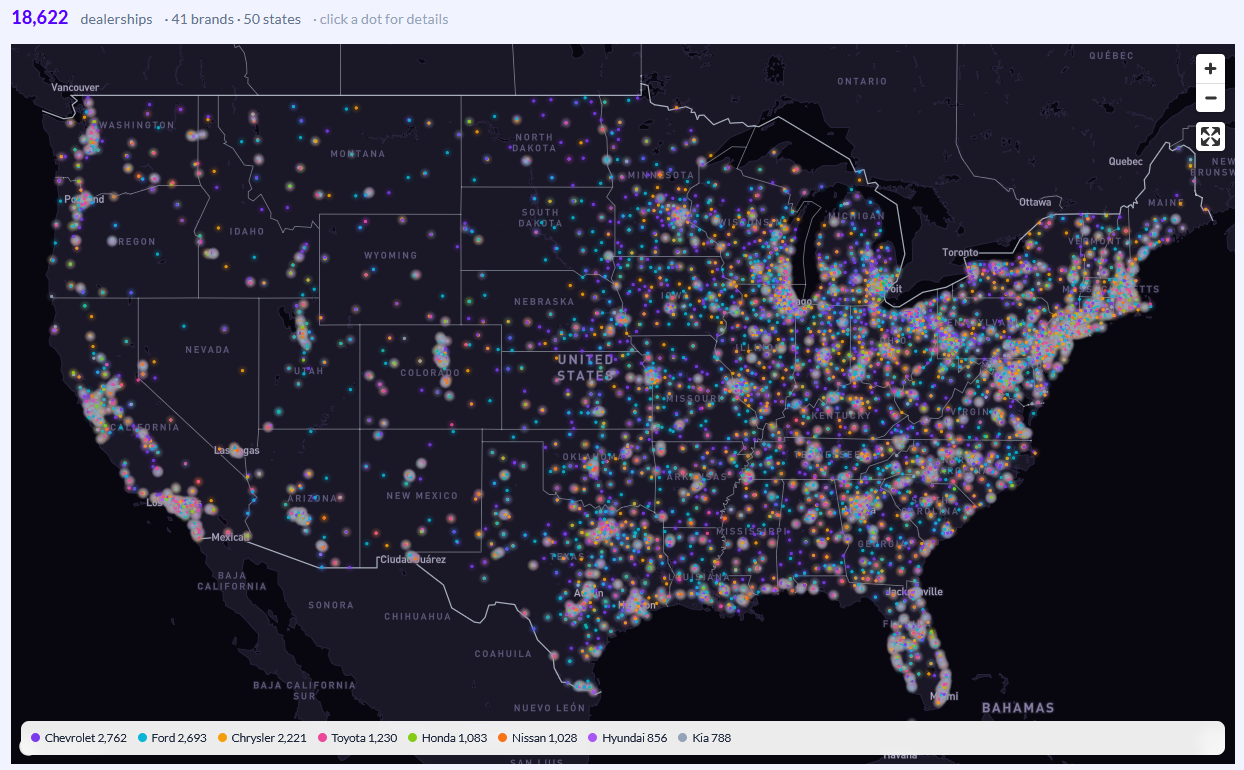
What we found across 1,300 dealership websites
We monitored 1,300 dealer websites for three months, pulling Chrome User Experience Report (CrUX) data — real field data from real visitors, not a lab score. Then we grouped the sites regionally by OEM and compared the best-performing store in each region against the worst-performing store in that same region, based on their aggregate Core Web Vitals over the full period.
Same region. Same brand. Same shopper pool. The main difference was how fast the site loaded.
The stores on the fast end of that comparison showed:
- 9.5% higher engagement rate
- 23.8% more time on site
- 12.3% more keywords ranking in positions 1–3 on Google
A word on how to read that last one, because it's the number everyone wants to quote. This was a comparison between fast sites and slow sites, not a before-and-after on the same site. It shows a strong association between page performance and top-three visibility — not proof that shaving a second off your Largest Contentful Paint moves you from position 6 to position 2 by itself. Anyone selling you the causal version of that number is overselling it.
What it does tell you is that among stores competing for the same shoppers, the fast ones are consistently holding more of the top three positions. Google has confirmed page experience is a ranking signal. It's a tiebreaker, not a trump card — and in a market where four same-brand stores publish the same OEM-fed inventory pages with the same content, tiebreakers decide who gets the click.
Why dealership websites are slow in a specific way
Dealer sites aren't slow for generic reasons. They're slow for reasons that repeat at nearly every store.
Inventory photo galleries. A VDP with 40 full-resolution images that aren't lazy-loaded or served in a modern format is the most common cause of a bad Largest Contentful Paint on a dealer site. The hero image is often the largest element on the page and the last thing to arrive.
Third-party tag stacking. Chat widget, trade-in tool, payment calculator, credit application, inventory syndication pixel, three analytics tags, an OEM-mandated tag, a co-op tracking tag, and whatever the last two vendors installed and nobody removed. Each one is JavaScript your visitor's phone has to download and execute before the page settles.
Late-injecting widgets. Anything that loads after the page renders and then pushes content down the screen wrecks your Cumulative Layout Shift. Sticky offer bars and chat bubbles are the usual culprits.
Template-level problems, not homepage problems. Most dealers check their homepage in Google PageSpeed Insights, see a passable score, and stop. The homepage is usually the fastest page on the site. Your SRP and VDP templates are where the traffic actually lands and where the load time actually hurts.
How to fix dealership website load time
In the order that matters:
1. Diagnose by page template, not by URL. Test a representative homepage, SRP, VDP, service page, and specials page. A site-wide origin score hides the fact that one template is dragging everything down.
2. Audit every third-party script and find its owner. List every tag firing on your site and write a name next to each one. If nobody can name the vendor or the reason, it goes. On most dealer sites this single pass removes two to five scripts nobody has used in over a year.
3. Fix your images before anything else. Modern formats, compression, correct dimensions, and lazy loading on everything below the fold. On an inventory-heavy site this is usually the largest single win available, and it doesn't require touching your platform's code.
4. Defer what doesn't need to load first. Chat, trade tools, and calculators don't need to be there in the first paint. They need to be there before a shopper reaches for them, which is a different requirement.
5. Reserve space for anything that loads late. Give injected elements a fixed container so they stop shoving content around after the page renders.
6. Take the results to your website provider with specifics. This is where dealers get stuck. "Our site is slow" gets a shrug. "Our VDP template has an LCP of 4.2 seconds on mobile, driven by an uncompressed hero image and a render-blocking chat script" gets a ticket. If your provider can't act on that, you've learned something useful about your provider.
Monitor it instead of spot-checking it
Site speed isn't a one-time fix, because your site doesn't stop changing. A vendor gets installed in March, a new merchandising module ships in June, and by August your Core Web Vitals have quietly degraded without anyone touching the thing that caused it.
We built a free dealership website performance monitoring tool for exactly this. It pulls full Lighthouse and CrUX field data, takes an entire sitemap rather than a single URL, segments pages by their value to shoppers and to search, and runs the results through our AI to return plain-language next steps instead of a wall of diagnostics. It also monitors continuously and alerts you when a metric starts drifting — so you find out that a newly installed tool is spiking your layout shift in week one, not next quarter.
It's free, it takes a sitemap, and it will tell you which template is costing you.
Fixing what it finds is the part nobody's job covers. That's the part we run — Control Center holds the data, Astra executes against it. But start with the scan. Run your site through the tool and see what comes back.